Saturday, October 14, 2023
CODAN ENVOY CIB Cable Wiring Diagram
Tuesday, October 18, 2022
CODAN 3012 HF DATA MODEM
Hello folks, few days ago I bought a brand new CODAN 3012 HF DATA Modem. This is a my first experience with 3012 modem. I have 9001 and 9002 modems, but they are very old.
I tried old DOS software by CODAN (for DATA transmit) but it didn't work. Also tried CLOVER MAIL, Airmail, Alpha, RMS Express but still nothing. I would like to find any software for this 3012 modem, guys if someone has this software, please share it.
Best Regards
Tuesday, January 18, 2022
Using the NGT series without CIB cable
Hello dear friends. I had one NGT radio without CIB cable. I found very easy way to using the radio without CIB cable. I just removed 7 and 10 pin connectors and make the cables directly soldered. Also I disconnected FAN connector and this cable used for the speaker. it works very well!
Friday, August 13, 2021
Installation of the CODAN Envoy X1
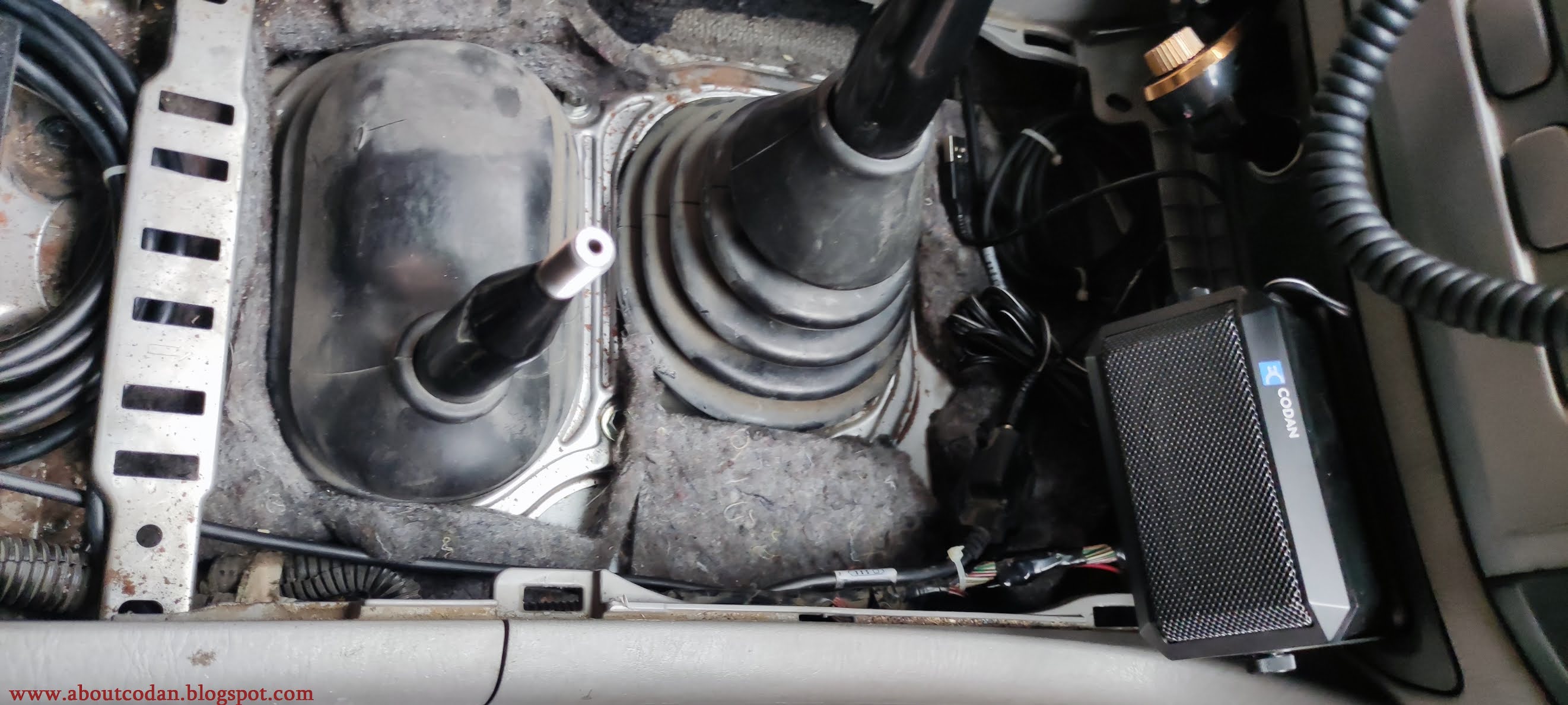
Here is a photo collage about instalation of the CODAN Envoy X1 into my Toyota Land Cruiser HZJ 105
1) Installed Grounding Cable under the passenger seat:
3) Installed RF Unit:
4) Ground is Connected:
5) Started wiring:
Thanks!
Monday, July 12, 2021
Wednesday, December 23, 2020
How to program CODAN X2 HF SSB Transceiver
Tutorial: how to program old CODAN X2 SSB Transceiver. It's very easy!
Thank you for watching
Thursday, November 5, 2020
Programing Cable for CODAN 93XX Series
Hello, Here is a circuit diagram of programing cable for CODAN 93XX series. it works 100%.
Wednesday, November 4, 2020
Programing Cable for CODAN NGT Series
Hello dear friends. Today i want to show you how to make a programing cable for CODAN NGT Series. All Codans of NGT Series has 3.5 mm female stereo jack connector, bottom side of Handset. it's a RS-232 Programing port. Not need any converter or Programing interface. Why spend money in just cable with two connectors when you can make it with yourself and price be a very cheap.
Let's go, For cable what you need is next:
1) DB-9 female connector
2) Stereo audio cable with shield (I used a 2 meters lenght)
3) audio 3.5 mm stereo Jack connector
Circuit looks like this:
The handset has Programming port on the bottom side:
Just connect your handmade cable between handset and PC and Program it!
Best Wishes
Monday, January 21, 2019
CODAN Junction Box (JB Unit)
Thank you
Monday, January 7, 2019
New CODAN 9360 with Free Tune Transceiver Mode
this is my first post in 2019 year. i have very good news and i'm very very happy.
bought a completly set of CODAN 9360. The radio included Power Supply 9114 Model and 9001 FAX & HIGH SPEED DATA Modem. Also included all cables, but microphone was damaged. i had saved old microphone and changed it. radio works very very well..
But It not was only that. I programmed radio with special Factory Software.
by Factory software is possible to enable or disable any additional options, which are fitted in radio, from factory (on building time). this software works if codan have 3.00 version firmware or higher. (mine had 4.00).
Here is Video:
Monday, July 16, 2018
How to Connect CODAN 9001/9002 HF DATA Modem to CODAN Transceivers
+------------------+--------------+------------------+-------------------+
| CODAN 9001/9002 | CODAN 93XX | CODAN NGT SERIES | |
| HF DATA MODEM | GP CONNECTOR | GPIO CONNECTOR | PIN DESTINATION |
| PIN | | | |
+------------------+--------------+------------------+-------------------+
| 1 | 8 | 8 | +12V SUPPLY |
+------------------+--------------+------------------+-------------------+
| 2 | 8 | 8 | +12V SUPPLY |
+------------------+--------------+------------------+-------------------+
| 3 | 9 | 2 | RS-232 TO RADIO |
+------------------+--------------+------------------+-------------------+
| 4 | N/C | N/C | NOT USED |
+------------------+--------------+------------------+-------------------+
| 5 | 4 | 13 | QUIET LINE |
+------------------+--------------+------------------+-------------------+
| 6 | N/C | N/C | NOT USED |
+------------------+--------------+------------------+-------------------+
| 7 | 6 | 10 | PTT |
+------------------+--------------+------------------+-------------------+
| 8 | 3 | 15 | TX AUDIO |
+------------------+--------------+------------------+-------------------+
| 9 | 1 | 4;5;6 | 0V SUPPLY (GND) |
+------------------+--------------+------------------+-------------------+
| 10 | 1 | 4;5;6 | 0V SUPPLY (GND) |
+------------------+--------------+------------------+-------------------+
| 11 | 7 | ? | SCAN |
+------------------+--------------+------------------+-------------------+
| 12 | N/C | N/C | SPARE INPUT |
+------------------+--------------+------------------+-------------------+
| 13 | N/C | N/C | SPARE INPUT |
+------------------+--------------+------------------+-------------------+
| 14 | 10 | 3 | RS-232 FROM RADIO |
+------------------+--------------+------------------+-------------------+
| 15 | 2 | 14 | RX AUDIO |
+------------------+--------------+------------------+-------------------+